LIQAA: How We Built an Algerian Video Meeting Platform, and What We Learned When We Broke It
On August 8, 2026, we discovered that the camera wasn't working on LIQAA. Not on one device, but across the entire platform, and it had been that way for eight days. Every page responded successfully, every monitor was green, and yet the browser was refusing to turn on the camera before even asking the user. Nobody complained. This article starts there, because what we learned from that failure explains the philosophy the rest of the platform is built on: what isn't measured can't be believed, and a number written on a marketing page is worth nothing if nobody has tested it. We describe the technical architecture as it really is, with numbers we measured ourselves, and we state its limits where they exist.

Five minutes lost before the meeting begins
Ask any Algerian organization about its last video meeting and you'll hear the same story. One person downloads an app, another creates an account and waits for the confirmation email, another hunts for the code in an old chat. Then the conversation starts, and the timer stops at the fortieth minute.
Quality is rarely the problem. Friction is the problem.
Every step between the link and the room loses some of the attendees, and a meeting that starts short-handed can't be redone. So the first design decision for LIQAA was to make the path from click to sound and video just two steps: open the link, type your name, enter.
Guests install nothing and create no account. The browser you're reading this article in is enough. The person who creates the meeting may need an account if they want recording or time-based billing; the person joining does not.
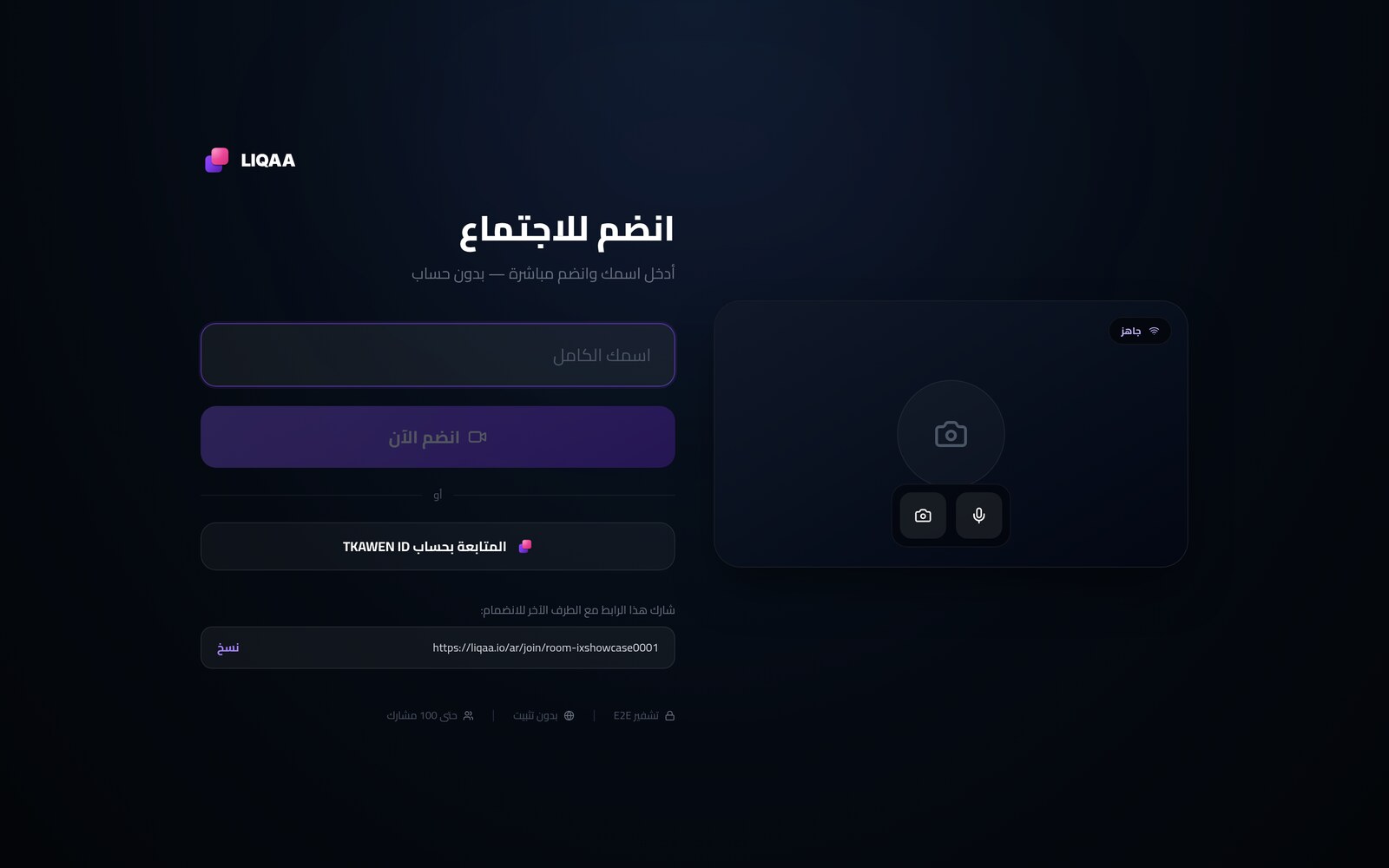
- The room runs in the browser via WebRTC, on computers and phones.
- The link is the invitation.
- 3 hours per meeting on the free plan, not 40 minutes.
- Arabic, French and English, with an interface that respects right-to-left writing.
The eight-day failure that taught us how to monitor
Back to the camera. What happened was that we had unified the security headers for every site in the ecosystem into a single configuration file. The file was written for content sites, and it included a line that blocked access to the camera and microphone. It was applied to LIQAA as well.
The result was that the browser rejected `getUserMedia` before showing the user any permission prompt. No visible error message, nothing that looked broken. The page returned 200, and the monitor, which asks “does the page respond?”, said yes.
A video platform that couldn't turn on a camera, and every indicator green.
We fixed the line in minutes. But the real lesson wasn't in the fix. A monitor that checks the status code doesn't measure a product; it measures that the web server is alive. So we built a monitor that does something else: every ten minutes it opens a real room, requests an access token, brings in an actual participant, checks that the camera policy still allows it, then closes the room. If a single condition fails, we get an alert.
We tell this story in a marketing article on purpose. Anyone who tells you their product has never failed is either brand new or not measuring.
Why an SFU and not a direct connection between devices
The simplest way to build a video call is to have each participant send their stream directly to every other participant. It works well for two people. At ten, every device has to upload nine streams at once, so the upload chokes and the battery heats up before a sentence is finished.
LIQAA uses an SFU architecture — a Selective Forwarding Unit — built on LiveKit version 1.10. Each participant uploads their stream once to the server, and the server distributes it. No decoding or re-encoding on the server, just forwarding.
The practical effect is that cost grows linearly with the number of attendees, not quadratically. That's why a room can hold a hundred people on a single server without anyone being asked to upgrade their device.
Simulcast: why the weakest network doesn't impose itself on the room
This technique is the difference between a meeting that works in Algeria and a meeting that works in a demo.
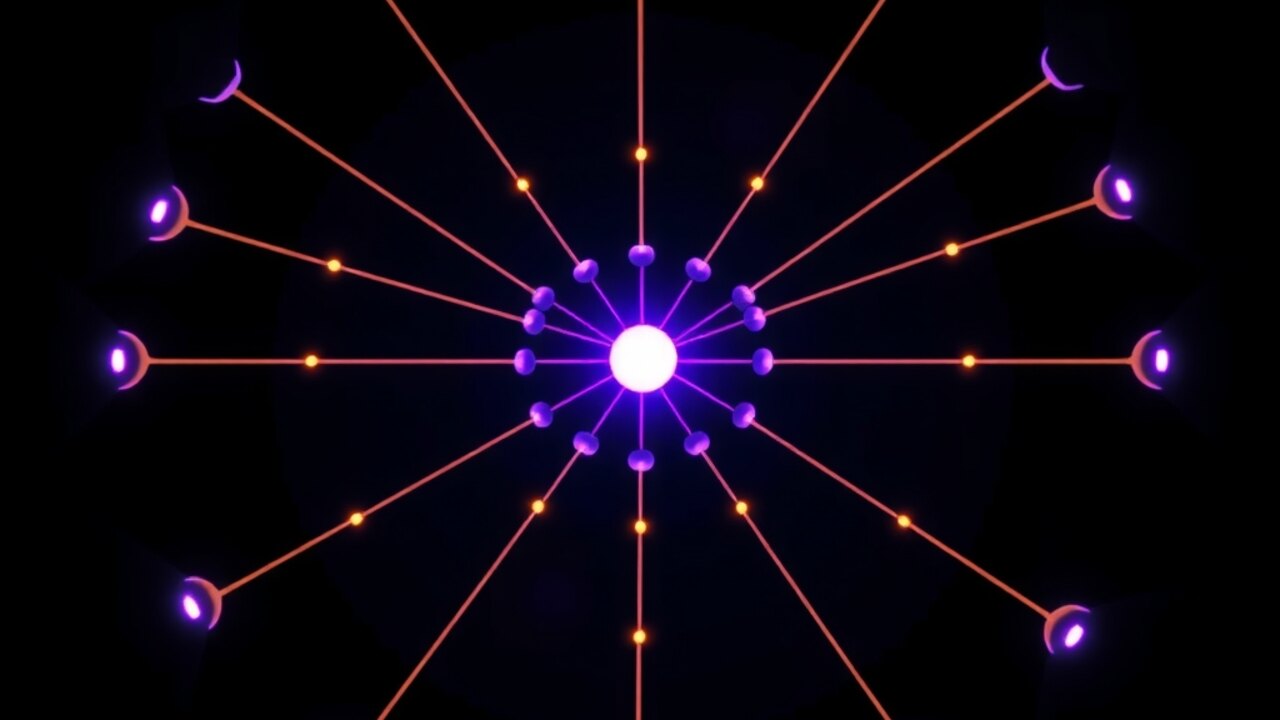
Each participant uploads two or three versions of their video at different qualities at the same time. The server then picks, for each receiver, the version that suits that receiver's own network, not the room's network.
Without it, what everyone knows happens: one person is on a weak connection, and quality drops for everyone. With Simulcast, that person stays in the call on a lightweight version while the others see the high-quality one. At the same moment, in the same room.
Supported codecs are VP8, H.264, VP9 and AV1, chosen according to what each device supports. On top of that runs GCC, which measures latency and packet loss and adjusts the bitrate before stuttering appears, not after.
The Algerian network in particular: CGNAT and blocked ports
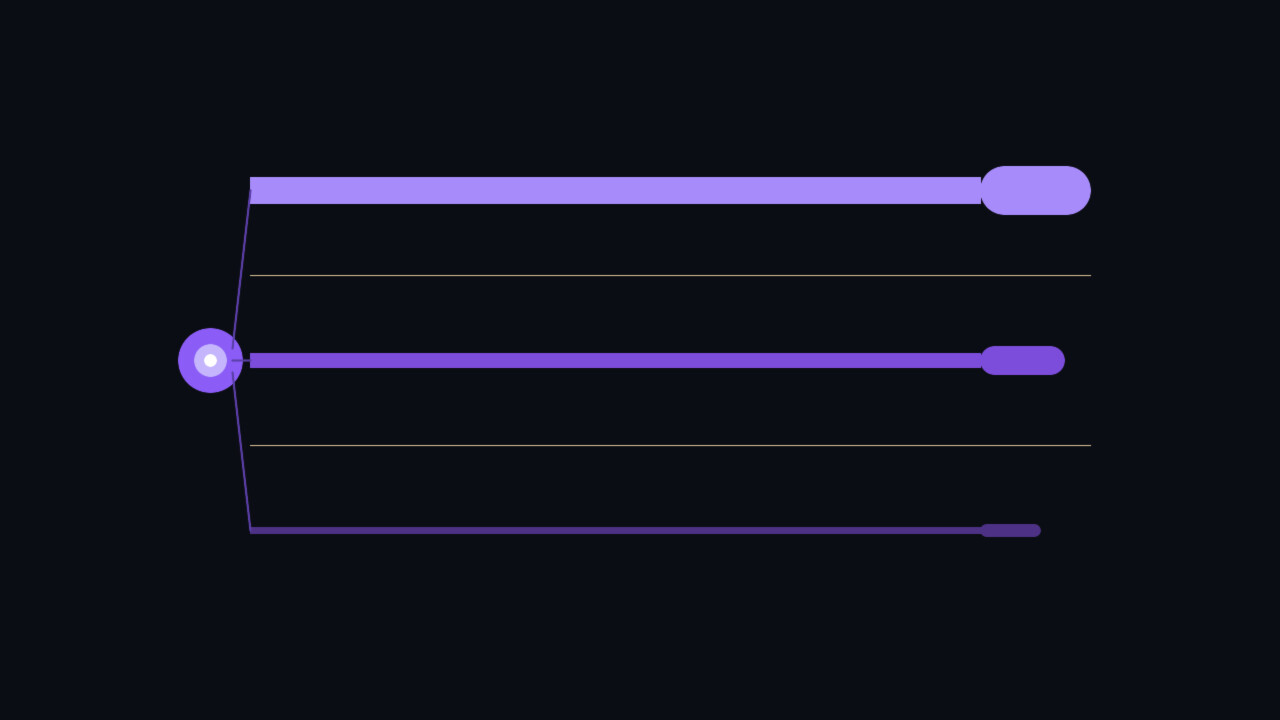
In WebRTC, media prefers UDP for its low latency. But many corporate and hotel networks block UDP entirely, and mobile networks put users behind CGNAT, so they don't have a public address of their own.
We use a UDP port range from 50000 to 60000 for media, and a TCP fallback path through port 7881. If UDP is blocked, negotiation moves to TCP instead of dropping the connection. STUN servers are used to discover the public address behind the NAT, which is what lets a 4G user behind CGNAT establish the path, because the connection starts from their side going out, and that is what those networks allow.
Signaling — the exchange of connection information before media starts — goes over an encrypted WebSocket on port 443. The same port you use to open any website, so the company network doesn't need to open anything extra.
And here is the limit, stated clearly: networks that allow only TCP on port 443, exclusively through a mandatory proxy, remain the hardest case for any video platform in the world. Anyone who promises you their product works on every network on earth hasn't measured.
Encryption: where it happens and what it means for you
Every connection is encrypted at the transport level with DTLS-SRTP. WebRTC requires this and it cannot be turned off. Anyone sitting on the network between you and the server — your internet provider, the café network, or someone sharing your Wi-Fi — sees encrypted packets, not audio or video.
On top of that, the platform supports frame-level end-to-end encryption through Insertable Streams with AES-GCM. The frame is encrypted inside the sender's browser before it leaves, and decrypted only inside the receiver's browser. In this mode, the server forwards packets it cannot read itself.
Why go into detail? Because the word “encrypted” is written everywhere, and it usually means only the first case. The difference comes down to one question: could the platform operator listen in, if they wanted to or were forced to? With end-to-end encryption the answer is no, because the key never passed through them.

Capacity: what we measured, not what we hope
We ran a load test with the official LiveKit tool, with participants publishing video and subscribing to each other's streams. A real call, not empty connections.
On the current 12-core server: 20 participants used about 8% of the CPU, 50 about 12%, 100 about 23%, and 200 about 25%. At 500 participants, the peak reached about 47%, with zero errors and zero dropouts.
A note on the honesty of that number: the simulator runs all the participants on the same machine, so it encodes and decodes every stream locally. A large share of that load belongs to the simulator, not the server, and the real capacity of the server alone is higher than it appears.
In practical terms: a training session with a hundred trainees isn't an exceptional case that needs special arrangements.
- 100 participants: about 23% of the CPU.
- 500 participants: a peak of about 47%, with zero errors.
- Limit applied per plan: 100, 300 and 500 participants.
Recording happens on the server, not on someone's device
Many solutions call something “recording” when it's really a screen capture from one attendee's browser: they're asked to share their screen, and a file lands in their downloads folder. That file depends on their device, their network and their staying in the room, and none of it reaches the account.
With us, recording runs on the server through LiveKit's Egress service. The room layout is composited and encoded into an MP4 file with H.264, independently of any participant's device. The host can leave or lose their connection and the recording continues.
And a detail we consider more important than the feature itself: the indicator that tells attendees a recording is in progress is only accepted from the host. In a less careful design, any participant could display a fake recording warning, or hide a real recording. This is a matter of consent, and it is enforced on the server, not in the interface.
The consultation room: a meeting billed by the minute
This feature turns a meeting from a cost into revenue, and we don't know of any other platform offering it in the Algerian market.
A doctor, lawyer or teacher sets a per-minute price in dinars and gets two links: one for themselves and one to send to their client. The meter doesn't start at the press of a button, but the moment two people are actually connected in the room. One person waiting alone isn't a consultation.
It stops when the room ends. The consultant doesn't press anything, so they can't forget to stop it and charge their client for time they didn't use. We tested exactly this: a room at DZD 500 per minute, one person alone so the meter didn't start, then the second arrived and it started, then the room ended after ninety-four seconds and the bill closed at two minutes for DZD 1,000.
Minutes are rounded up, because a minute and ten seconds is two minutes out of a person's working day.
- Per-minute pricing in Algerian dinars.
- Billing starts when the second party actually arrives.
- No button to forget.
- A clear statement at the end: minutes, amount and payment status.
Who controls the room
In many apps, “host controls” are messages the host's browser sends to the other browsers, which obey them. The problem is that any participant can send the same message and kick out or mute someone else, because nobody checks who sent it.
With us, kicking and muting run on the server through the LiveKit API, and are only carried out for whoever holds the host key, which is issued to the first person who opens the room. A kicked participant isn't asked to leave; they are disconnected.
And each participant's identity is assigned by the server, not the client. The display name is what the user typed, while the internal identity carries a random suffix. This prevents two problems: two people typing “Mohamed” and one kicking the other without either knowing what happened, and an impostor claiming the host's identity to inherit their permissions.
The meeting password and the waiting room are enforced by the server too. Anyone who doesn't know the password doesn't get an access token at all, and anyone who enters a waiting room stays there until the host admits them.
An AI agent that opens a room for you
MCP is the standard that now connects AI models to real tools. LIQAA runs its own MCP server, listed in the protocol's official registry as io.liqaa/meetings.
In practice: you tell your AI assistant “open a meeting room for me”, and it creates one and gives you the link. No browser, no account. The available tools include creating an instant room, reading the plans and their limits, reading the platform's capacity, and aggregated public statistics.
Why does this matter? Because once a meeting can be opened from inside an automated workflow, a booked appointment can end with a room ready to go, or a support ticket can end with a call, with no human step in between.
Having an Algerian platform in this registry today isn't a minor detail. The rules of this race are being written now.

Plans
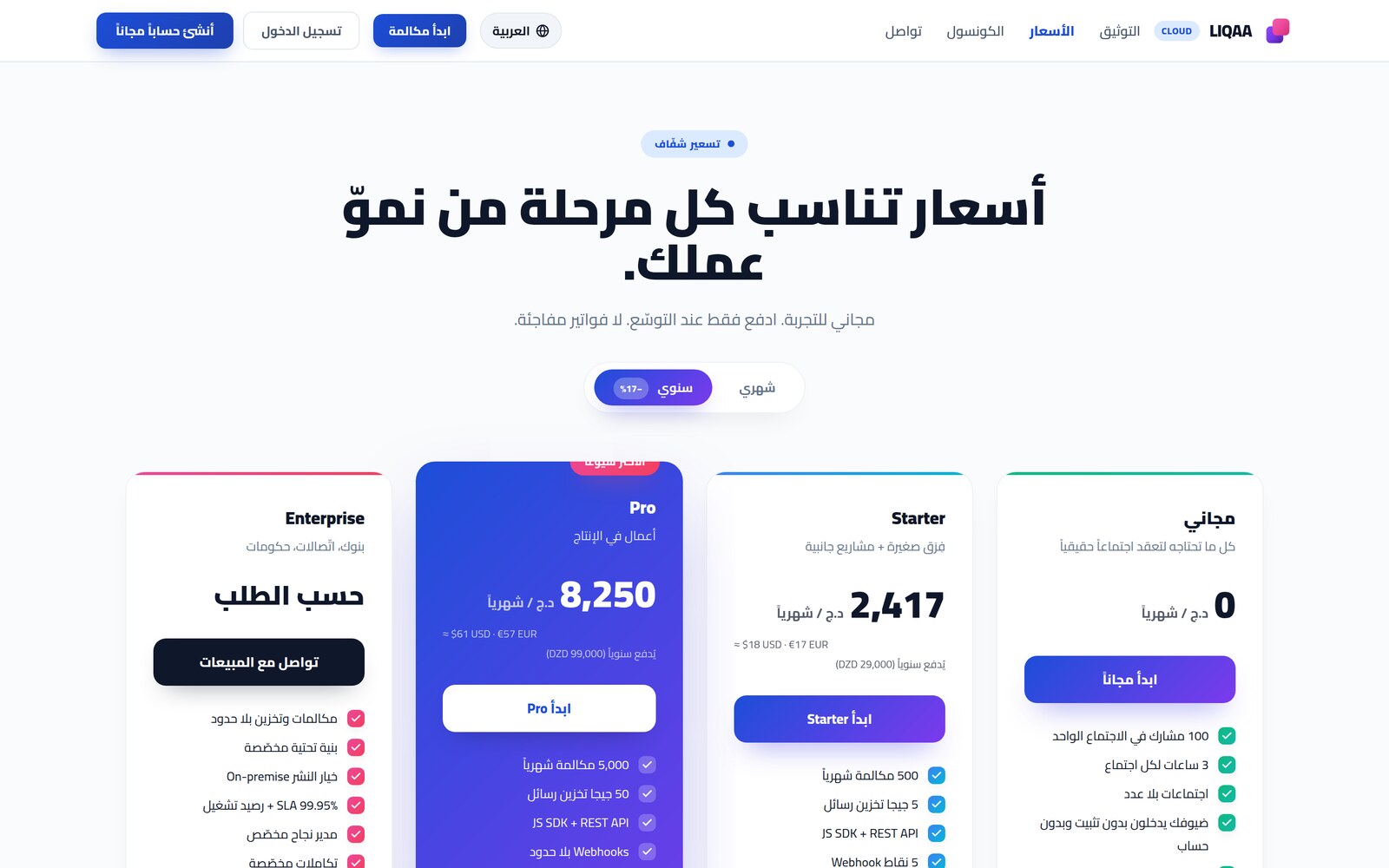
The free plan isn't a sample. A hundred participants per meeting, three hours per meeting, unlimited meetings, and no card required.
For comparison, the common free limit worldwide is forty minutes. That's the limit that cuts a class off in the middle and forces everyone to come back with a new link.
Professional, at DZD 2,900 per month, raises the room to 300 participants and removes the time limit. Enterprise, at DZD 9,900 per month, goes up to 500 participants. Payment is in dinars by EDAHABIA card or CIB.
Prices change; the pricing page on liqaa.io is always the reference.
Who we built it for
Training centers and online learning. A session for a hundred trainees with a single link, and three hours are enough for a full session without interruption. And for anyone who wants to crown the training with a publicly verifiable certificate, that's what AlgeriaCertify offers in the same ecosystem.
Doctors and telehealth. A patient from another wilaya enters an encrypted room through a link, and the consultation is billed by the minute. No app to install, no account to create.
Independent professionals. Lawyer, engineer, accountant, consultant. Anyone who sells their time can turn a meeting into a service with a published price.
Organizations and distributed teams. Internal meetings without a license per employee, server-side recording for those who missed it, and real control over who enters and who speaks.
How to get started
Open liqaa.io and click “Start a call”. A room opens with a unique link. Copy it and send it on WhatsApp or by email. Whoever opens it types their name and enters.
If you want a scheduled meeting, recording, or a consultation room billed by the minute, create a free account. Guests stay account-free in every case.
And if you're a developer, the platform offers an API and an MCP server, and you can embed a room inside your app. Start at liqaa.io/mcp and in the developers section of tkawen.com.
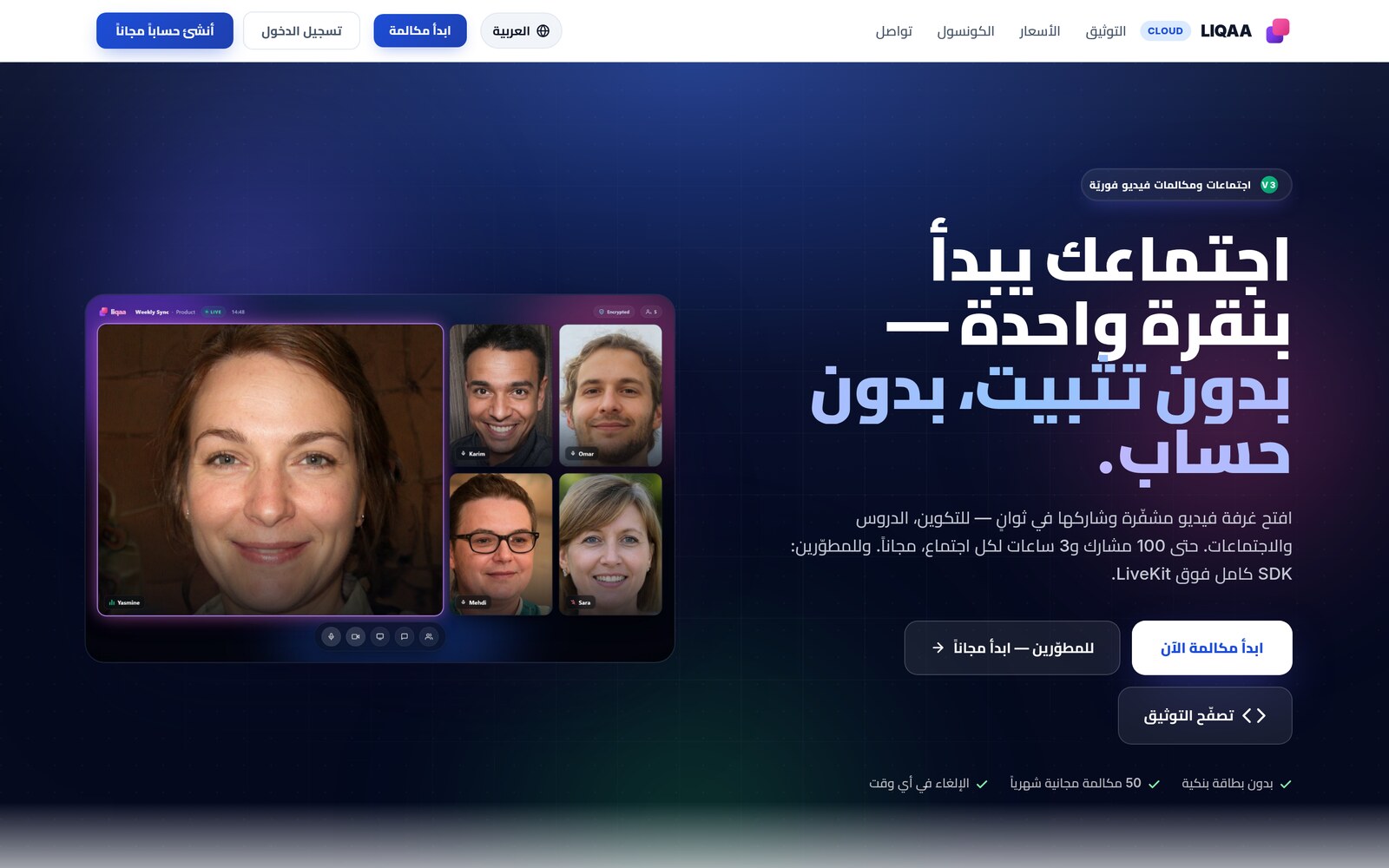
Open your room now, no install and no account
One click opens an encrypted room with a link you share like any other link. Up to 100 participants and 3 hours per meeting, free and with no card required.
Start a meeting now →Frequently asked questions
Do I need to install an app?
No. The room runs in the browser on computers and phones. Anyone who joins through the link installs nothing and creates no account.
How many people can join?
Up to 100 on the free plan, 300 on Professional and 500 on Enterprise. We tested the architecture in practice at 500 simultaneous participants with zero errors.
Is there a time limit?
3 hours per meeting on the free plan, with unlimited meetings. The two paid plans have no limit.
Are meetings encrypted?
Every connection is encrypted in transit with DTLS-SRTP, and the platform supports frame-level end-to-end encryption through Insertable Streams with AES-GCM, in which the server forwards packets it cannot read.
Does it work on weak 4G?
In most cases, yes. Simulcast lets each participant receive the quality their own network can handle rather than that of the weakest network in the room, and there is a TCP fallback path if UDP ports are blocked. Networks that allow only a mandatory proxy on port 443 remain the hardest case for any video platform.
Can the meeting be recorded?
Yes, and recording runs on the server, not on any participant's device, so it continues even if the host leaves. The recording indicator is only accepted from the host, so no participant can show a fake warning or hide a real recording.
What is the billed consultation room?
A room where the consultant sets a per-minute price in dinars. Billing starts the moment two people are actually connected and stops when the room ends, and at the end it shows the number of minutes, the amount and the payment status.
Is LIQAA an Algerian platform?
The team, development and decision-making are Algerian, from TKAWEN Group. The media infrastructure currently runs on a dedicated server in Europe because of its network proximity to Algeria, and we say so openly rather than make a claim that wouldn't survive the first technical question.
How do I pay from Algeria?
In dinars by EDAHABIA card or CIB, from the pricing page on liqaa.io.
Can it connect to my software or to an AI assistant?
Yes. The platform has an MCP server officially listed as io.liqaa/meetings, so an AI assistant can open a room and return the link within a single conversation. There is also an HTTP API for anyone using function calling. Details at liqaa.io/mcp.
How is it different from global platforms?
Three practical differences: 3 hours on the free plan instead of 40 minutes, no installation and no account for guests, and a consultation room billed by the minute in dinars — a feature global platforms don't offer at all.